


Choices to tap
A few options, so the caller taps one instead of describing it.
Live call page
While your caller is still talking to Kai, he texts them one link. They tap a choice, pick a time or fill in a short form, right there on the call. Nothing gets misheard or spelled out letter by letter, and every answer lands on the lead.
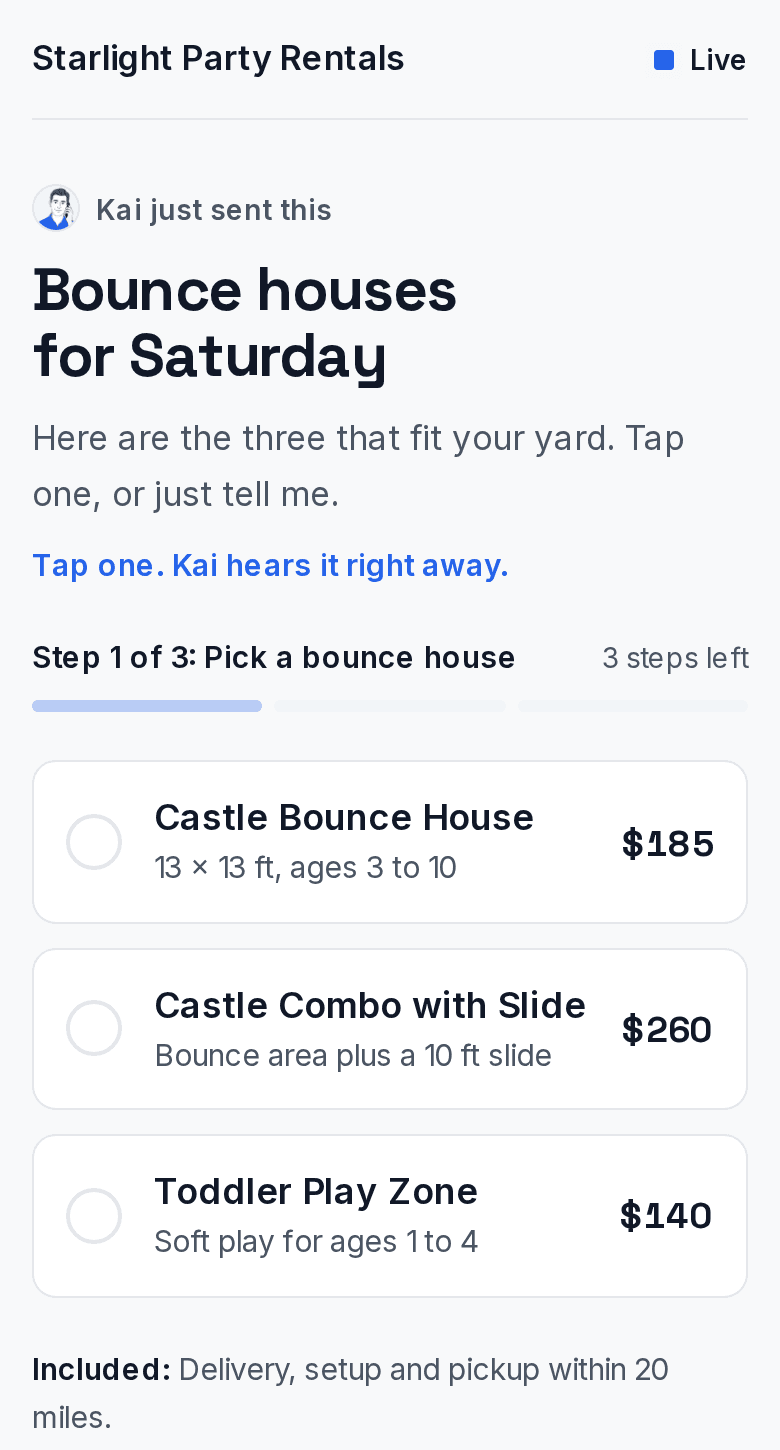
The caller never hangs up, downloads anything or makes an account.
Text message, during the call
No app. It opens in their browser.
Step 1
Early in the call, Kai sends one link by text to the phone that is calling.
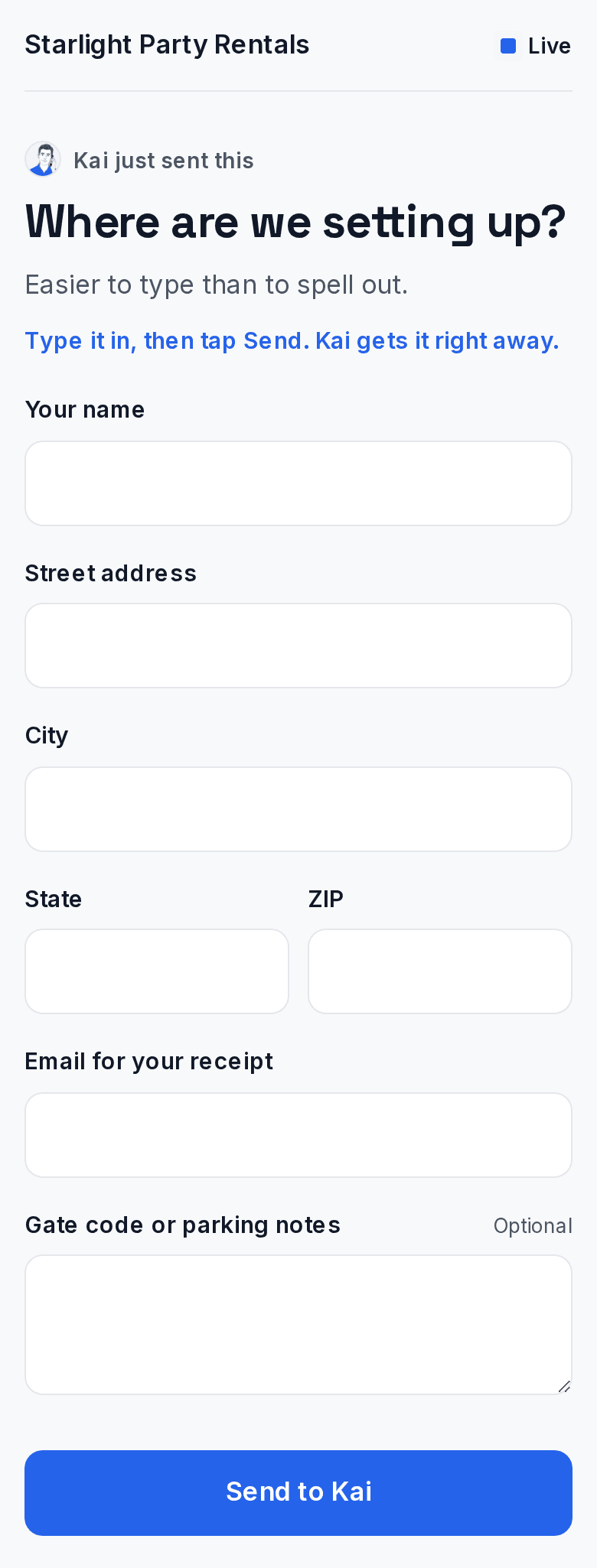
Step 2
Kai puts things on the page as the call goes, like this short form. Kai hears each answer right away and keeps talking.
Your call summary email (example)
On their call page
Step 3
Each answer saves to the lead and shows up in your call summary email.
Kai adds what fits the moment in the call, so the caller can read it instead of trying to remember it.
A few options, so the caller taps one instead of describing it.
The times you have free. The caller picks one.
Name, address, email. "Just fill it in real quick so I have everything right." No spelling things out loud.
Your options and what they cost, side by side, so nobody has to remember numbers.
What is included, what to bring, where to park. Things that are easier to read.
One button the caller taps when they are ready for the next step.
You do not have to listen back to find out what they picked.
What they picked, the time they chose and what they typed are saved in the lead’s notes.
Your call summary email has an “On their call page” section with the same answers.
See when the caller opened the page and how many times, on the call and on the lead.
After the call, the same link becomes a recap for the caller: what was said, what they picked and what happens next.
No. They need the phone they are calling from. The link arrives as a normal text and opens in their phone’s web browser.
The call goes on as normal. Kai still asks out loud. The page is a shortcut, not a step they have to take.
The same link turns into a recap of the call, so the caller can look back at what they picked and what comes next.
Yes. Their answers go on the lead, and your call summary email has an “On their call page” line. You also see when they opened the page and how many times.
The link is texted only to the phone that is on the call. It is for that one caller and that one call, and it stops working after 30 days.
Yes. It is one switch in your settings, under Live call page. Turn it off and callers do not get the link.
Get a KaiCalls line, and Kai can send the live call page on your calls. You can turn it on or off any time.